 Jam Together Pro
Jam over real backing tracks and see every note on the neck.
Jam Together Pro plays my backing tracks and shows you, in time with the music, the chord that's coming, a lick to copy in tab, and the whole scale across the fretboard.
Works in the browser on your computer, tablet and phone. Nothing to install.
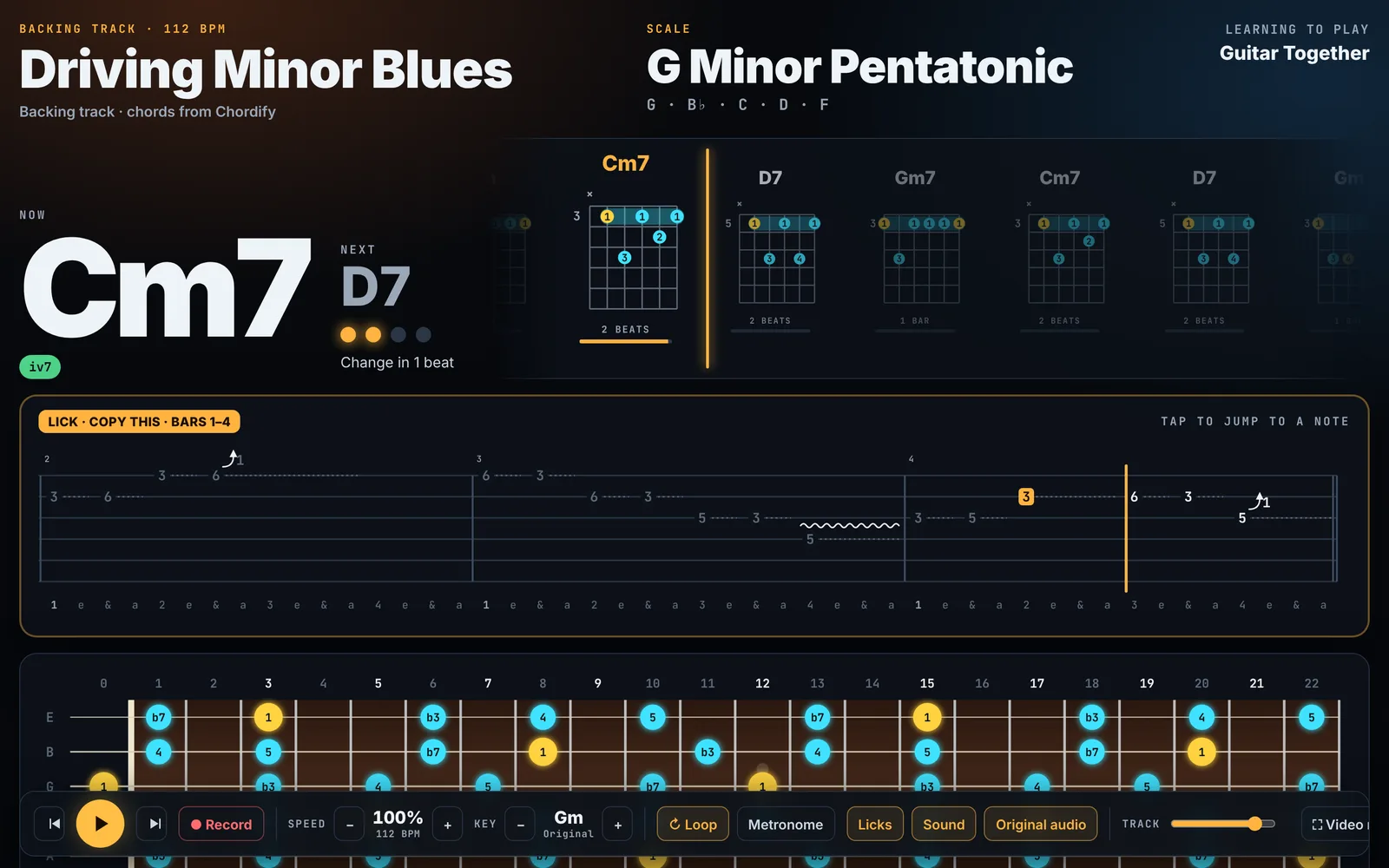
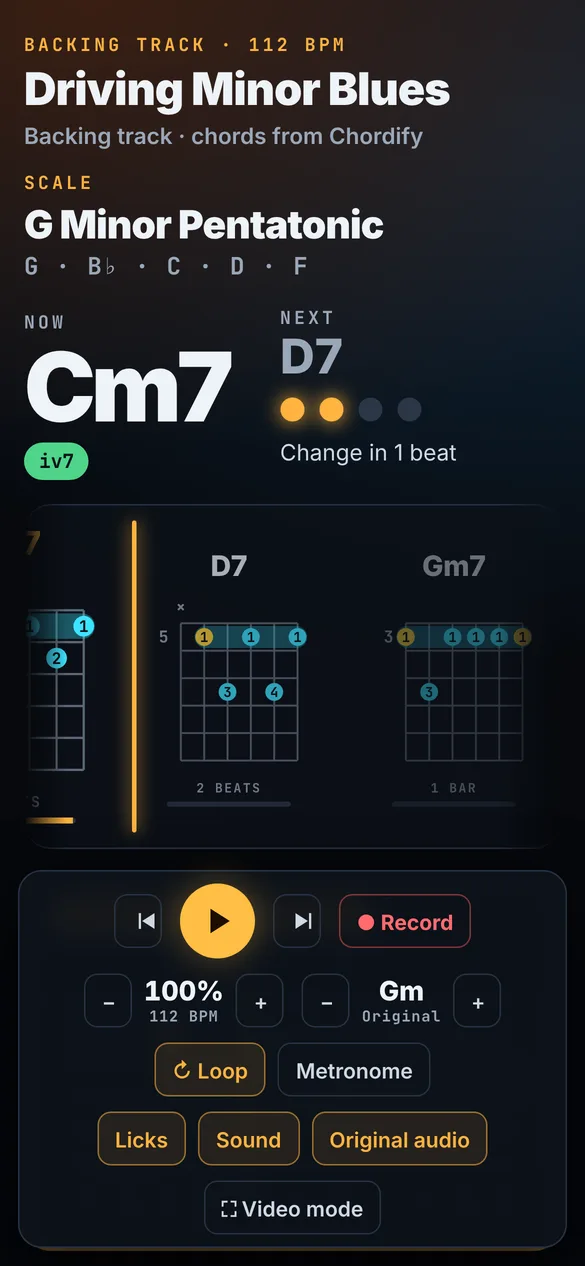
Everything you need to solo, in sync with the track
Chords as they come
The chord that's playing now, the next one and a countdown to the change, with its shape on the neck.
A lick for every phrase
Suggested licks in tab that fit each chord. Hear them, loop them and play them back to the track.
The whole scale
Pentatonic, blues or full scale across the fretboard, with the root in gold and every interval labelled.
Key and speed
Slow the track down without changing the pitch, and move it up or down a couple of semitones.
Record yourself
Play over the track, listen back to your take with the band, and save it.
Listen mode
Play into your mic and watch the note you play light up on the neck.
Pick a track and start jamming
Driving Minor Blues is free for everyone. New tracks come out for channel members.
Upload any song and play along
- 1Upload an MP3. The app finds the tempo, the key and the chords.
- 2Check the chords. Play it, and tap any bar that sounds wrong to fix it.
- 3Jam. Scales and licks follow the song. Save it, or share the chords with a friend.
🔒 Your song stays on your device. It is never uploaded to our server.
Get every new track
Channel members get each new backing track inside Jam Together Pro, and they keep the channel going. Thank you!
Try it
- Driving Minor Blues in the full app
- Upload your own songs, free for now
- Works on any device
Join on YouTube
- Every new backing track in the app
- Chords, licks, scales, key and speed
- Links in the members-only posts
Good to know
Do I need to install anything?
No. It runs in your browser. On your phone you can add it to the home screen so it opens like an app.
Does it work on my phone?
Yes, on iPhone, Android, tablets and computers. Use headphones or a speaker. On iPhone, turn off silent mode to hear the licks.
What happens to the songs I upload?
Nothing leaves your device. The app listens to the song inside your browser. When you share a song, only the chord chart goes in the link, never the audio.
Is the app free?
Yes. Uploading your own songs is free for everyone for now, and so is Driving Minor Blues.
How do members get the tracks?
Join the channel on YouTube. Each new track comes with its link in a members-only post in the Community tab.